
Inventory Audits — June 2026
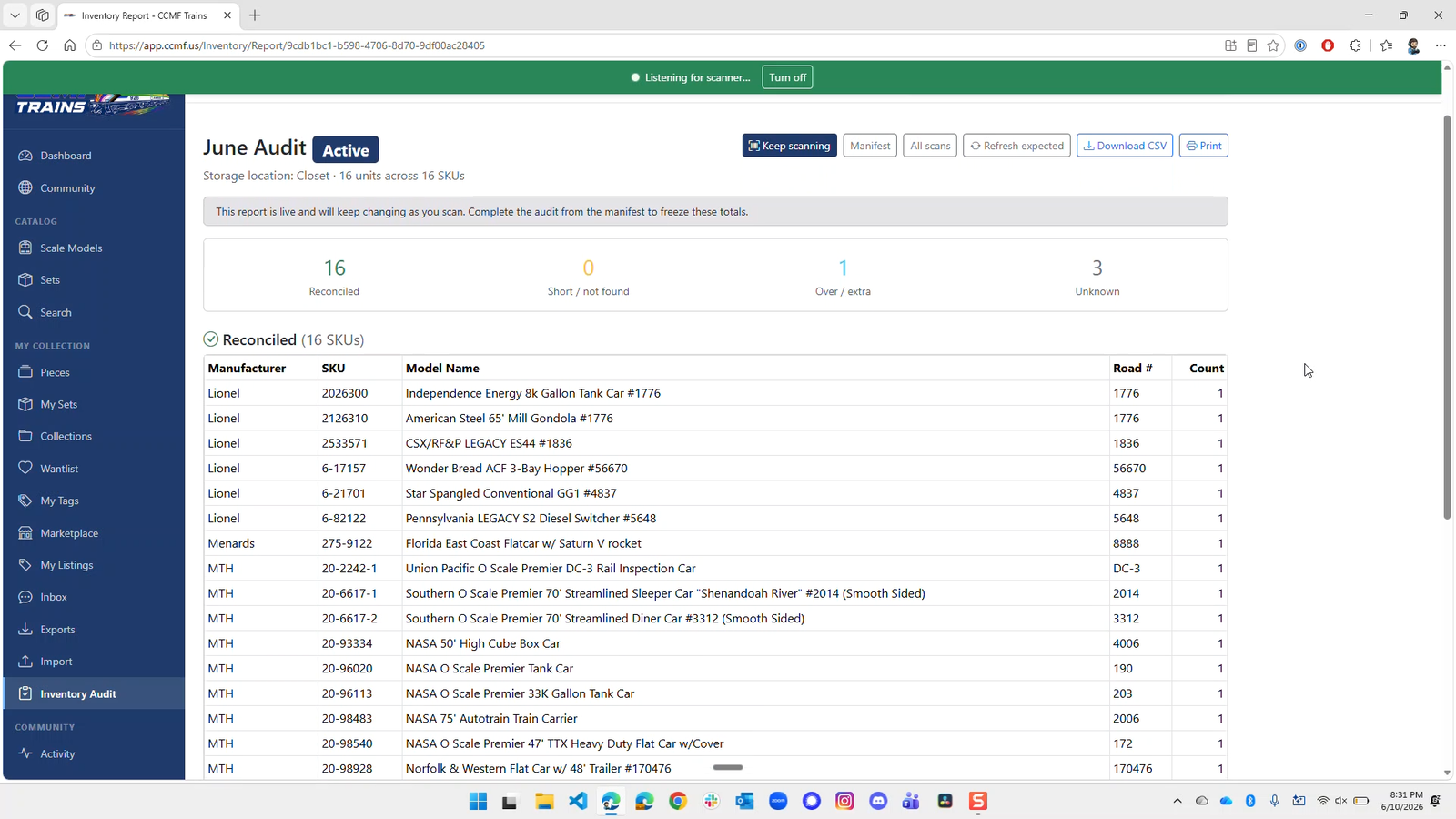
Walk your shelves and confirm every model is accounted for. Inventory Audits lets you scan your physical collection, by phone camera, USB scanner, typed entry, or an uploaded barcode file, and reconciles it, piece-count by piece-count, against the line items you already track. You end with three clear lists: what matched, what's missing, and what turned up extra.
✨ New
- Start an audit for exactly what you want to check — scope it to All pieces, A collection, A storage location, or A set I own. A live preview shows the expected units and distinct SKUs before you begin.
- Scan however you work — USB / keyboard scanner, Camera scan, or Typed by hand. Keep the box focused and a hardware scanner will rattle through a whole shelf; every scan counts and duplicates increment.
- Import a barcode file — upload a
.txtor.csvwith one barcode per line. Faster when you've already scanned to a file on the bench. State a count with6-29142, 3, and re-importing the same file is blocked to prevent double-counting. - True quantity reconciliation — counts are compared per SKU, so three identical coaches reconcile as three, not one.
- A report that's ready to act on — every audit ends in four buckets: Reconciled, Short / not found, Over / extra, and Unknown barcodes.
- Fix things right from the report — Mark missing, Add to collection, and Re-resolve unknowns turn the audit into a to-do list. Download a CSV or print the whole thing.
⚡ Improved
- Camera count mode — point at a barcode and each item you present is counted once, so panning across a shelf doesn't rack up phantom duplicates.
👉 Try it: Inventory → Start new audit · Read the full story